|
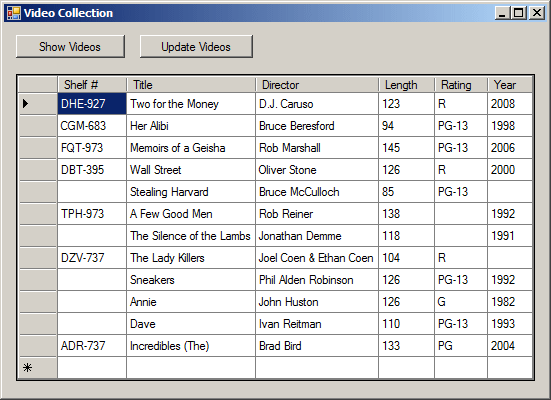
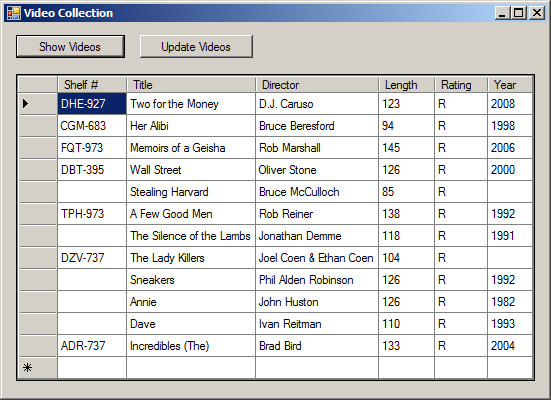
The SQL allows you change all records of a table with a
single line of code. The formula to follow is:
UPDATE TableName
SET ColumnName = Expression
The WHERE operator allows you to specify how the
particular record involved would be identified. It is very important,
in most cases, that the criterion used be able to uniquely identify the
record. In the above table, imagine that you ask the interpreter to change
the released year to 1996 where the director of the video is Rob Reiner. The
UPDATE statement would be written as follows:
UPDATE Videos
SET YearReleased = 1996
WHERE Director = 'Rob Reiner';
|
 Practical
Learning: Updating all Records Practical
Learning: Updating all Records
|
|
- Our StoreItems table contains a field that shows for how many days
an item has been in the store. The reason we did not specify the values
of that field is because those values change on a daily basis: items are
added items are deleted, data about items change (for example, an
employee can change the date entered of an item, for any reason).
Instead, we will allow the employee(s) to click a button and update the
number of days the items (each item) have (has) been in the store.
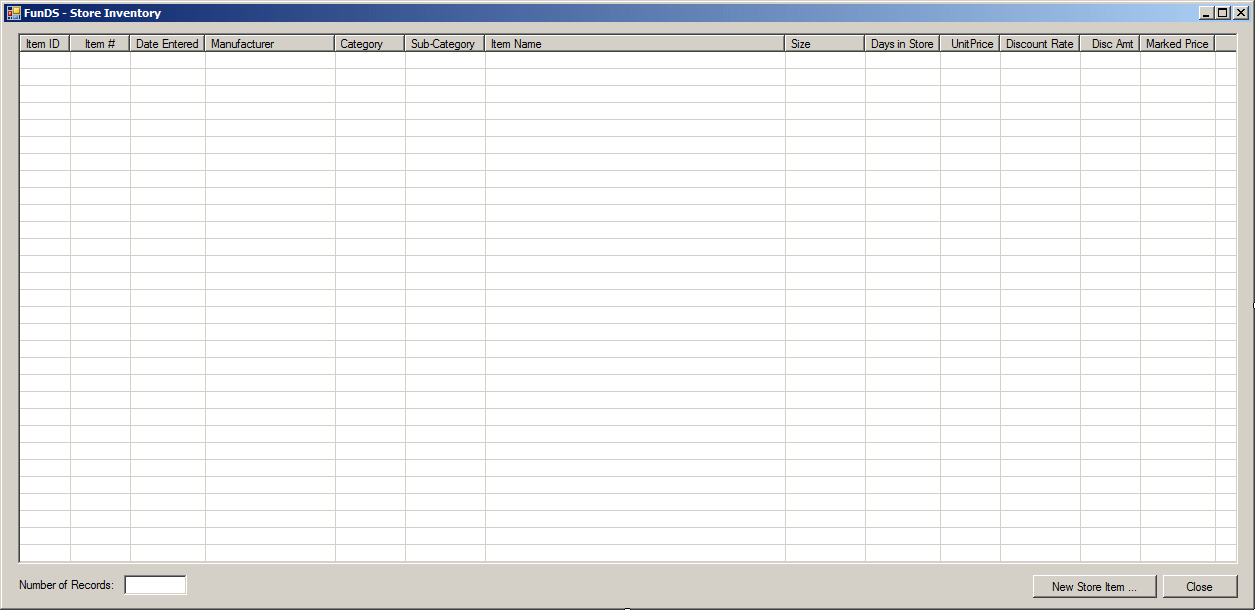
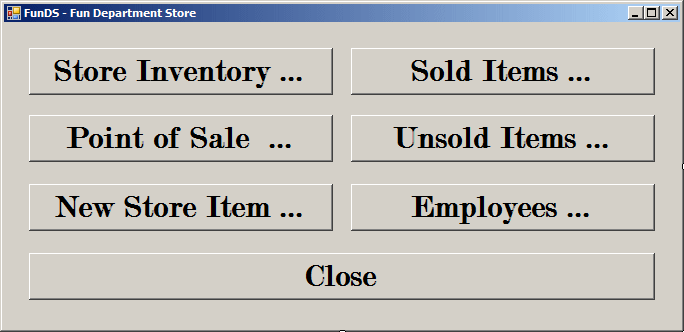
Display the Store Inventory form and add a button to it
- Change the characteristics of the button as follows:
(Name):
btnDaysInStore
Text: Update Number of Days
in Store
- Double-click the Number of Days in Store button and implement its
event as follows:
private void btnDaysInStore_Click(object sender, EventArgs e)
{
using (SqlConnection cntFunDS = new SqlConnection("Data Source=(local);" +
"Database='FunDS5';Integrated Security=True;"))
{
SqlCommand cmdStoreItems = new SqlCommand("UPDATE Inventory.StoreItems " +
"SET DaysInStore = DATEDIFF(d, DateEntered, SYSDATETIME());",
cntFunDS);
cntFunDS.Open();
cmdStoreItems.ExecuteNonQuery();
ShowInventory();
}
}
- Execute the application and click the Show Inventory button
- After seeing the existing records, click the Number of Days in Store
button
- Close the forms and return to your programming environment
|
Updating One or Some Records
|
|
Editing a record consists of changing a value in a
field. It could be that the field is empty, such as the © Year of the the
'The Lady Killers' video of the following table. It could be that the value
is wrong, such as the Director of the the 'The Distinguished Gentleman'
video of this table:
| Video Title |
Director |
© Year |
Length |
Rating |
| A Few Good Men |
Rob Reiner |
1992 |
138 Minutes |
R |
| The Silence of the Lambs |
Jonathan Demme |
1991 |
118 Minutes |
|
| The Distinguished Gentleman |
James Groeling |
|
112 Minutes |
R |
| The Lady Killers |
Joel Coen & Ethan Coen |
|
104 Minutes |
R |
| Ghosts of Mississippi |
Rob Reiner |
|
130 Minutes |
|
To visually edit a record, first open the table to view
its records. Locate the record, the column on which you want to work, and
locate the value you want to change, then change it.
In SQL, you must provide a way for the interpreter to
locate the record. To do this, you would associate the WHERE operator
in an UPDATE statement using the following formula:
UPDATE TableName
SET ColumnName = Expression
WHERE Condition(s)
The WHERE operator allows you to specify how the
particular record involved would be identified. It is very important,
in most cases, that the criterion used be able to uniquely identify the
record. In the above table, imagine that you ask the interpreter to change
the released year to 1996 where the director of the video is Rob Reiner. The
UPDATE statement would be written as follows:
UPDATE Videos
SET YearReleased = 1996
WHERE Director = 'Rob Reiner';
In the above table, there are at least two videos
directed by Rob Reiner. When this statement is executed, all video records
whose director is Rob Reiner would be changed, which would compromise
existing records that did not need this change. Therefore, make sure your
WHERE statement would isolate one particular record or only
those that need to be updated. Here is an example used to change the name of
the director of a particular video:
void btnChangeVideoDirectorClick(object sender, EventArgs e)
{
using (SqlConnection cntVideos =
new SqlConnection("Data Source=(local);" +
"Database='VideoCollection1';" +
"Integrated Security=yes;"))
{
SqlCommand cmdVideos =
new SqlCommand("UPDATE Videos " +
"SET Director = 'Jonathan Lynn' " +
"WHERE [Video Title] = N'The Distinguished Gentleman';",
cntVideos);
cntVideos.Open();
cmdVideos.ExecuteNonQuery();
MessageBox.Show("The director of 'The Distinguished Gentleman' " +
"video has been updated.",
"Video Collection",
MessageBoxButtons.OK, MessageBoxIcon.Information);
}
}
|
Practical
Learning: Updating Some Records
|
|
- Display the Store Inventory form and add a button to it
- Change the characteristics of the button as follows:
(Name):
btnDiscountRates
Text: Update the Discount
Rates
- Double-click the Update the Discount Rates button and implement the
event as follows:
private void btnDiscountRates_Click(object sender, EventArgs e)
{
using (SqlConnection cntFunDS = new SqlConnection("Data Source=(local);" +
"Database='FunDS25';Integrated Security=True;"))
{
SqlCommand cmdStoreItems = new SqlCommand("UPDATE Inventory.StoreItems " +
"SET DiscountRate = 0.10 WHERE DATEDIFF(d, DateEntered, SYSDATETIME()) > 30; " +
"UPDATE Inventory.StoreItems " +
"SET DiscountRate = 0.15 WHERE DATEDIFF(d, DateEntered, SYSDATETIME()) > 45; " +
"UPDATE Inventory.StoreItems " +
"SET DiscountRate = 0.30 WHERE DATEDIFF(d, DateEntered, SYSDATETIME()) > 60; " +
"UPDATE Inventory.StoreItems " +
"SET DiscountRate = 0.50 WHERE DATEDIFF(d, DateEntered, SYSDATETIME()) > 75; " +
"UPDATE Inventory.StoreItems " +
"SET DiscountRate = 0.75 WHERE DATEDIFF(d, DateEntered, SYSDATETIME()) > 90",
cntFunDS);
cntFunDS.Open();
cmdStoreItems.ExecuteNonQuery();
}
using (SqlConnection cntFunDS = new SqlConnection("Data Source=(local);" +
"Database='FunDS25';Integrated Security=True;"))
{
SqlCommand cmdStoreItems = new SqlCommand("UPDATE Inventory.StoreItems " +
"SET DiscountAmount = FORMAT(UnitPrice * DiscountRate, N'F'); " +
"UPDATE Inventory.StoreItems " +
"SET MarkedPrice = FORMAT(UnitPrice - DiscountAmount, N'F');",
cntFunDS);
cntFunDS.Open();
cmdStoreItems.ExecuteNonQuery();
}
ShowInventory();
}
- Execute the application and click the Show Inventory button
- After seeing the existing records, click the Update the Discount
Rates button
- Close the forms and return to your programming environment
If you think all records of a particular table are, or
have become, useless, you can clear the whole table, which would still keep
its structure.
To visually delete all records from a table, open it in
design view, first select all of them, and press Delete. You would receive a
warning. If you still want to delete the records, click Yes. If you change
your mind, click No.
Using SQL, to clear a table of all records, use the
DELETE operator with the following formula:
DELETE TableName;
When this statement is executed, all records from the
TableName factor would be removed from the table. Be careful when doing
this because once the records have been deleted, you cannot get them back.
|
Removing the First n Records
|
|
Instead of removing all records, to delete only the
first n of a table, use the following formula:
DELETE TOP (Number) TableName;
In the parentheses, enter the desired number of records.
When the statement executes, the first n records of the table would be
deleted. Here is an example:
DELETE TOP (2) Employees;
GO
This statement asks the database engine to delete the
first two records of the Employees table.
|
Removing a Specific Record
|
|
If you find out that a record is not necessary, not
anymore, or is misplaced, you can remove it from a table.
To visually remove a record from a table, open the table
in Table view, right-click the gray box of the record and click Delete. You
can also first select the record and press Delete. You would receive a
warning to confirm your intention.
To programmatically delete a record:
- In the Object Explorer, right the table, position the mouse on
Script Table As -> DELETE To -> New Query Editor Window
- Open an empty Query Editor and type your code
In SQL, to delete a record, use the DELETE FROM
statement associated with the WHERE operator. The formula to follow
is:
DELETE FROM TableName
WHERE Condition(s)
The TableName factor is used to identify a table
whose record(s) would be removed.
The Condition(s) factor allows you to identify a
record or a group of records that carries a criterion. Once again, make sure
you are precise in your criteria so you would not delete the wrong
record(s). Here is an example used to remove a particular record from the
table:
using System;
using System.Data;
using System.Drawing;
using System.Windows.Forms;
using System.Data.SqlClient;
public class Exercise : System.Windows.Forms.Form
{
Button btnShowRecords;
Button btnDeleteVideo;
DataGridView dgvVideos;
public Exercise()
{
InitializeComponent();
}
void InitializeComponent()
{
btnShowRecords = new Button();
btnShowRecords.Text = "Show Videos";
btnShowRecords.Width = 120;
btnShowRecords.Location = new Point(12, 12);
btnShowRecords.Click += new EventHandler(btnShowRecordsClick);
btnDeleteVideo = new Button();
btnDeleteVideo.Text = "Delete Video";
btnDeleteVideo.Location = new Point(150, 12);
btnDeleteVideo.Width = 100;
btnDeleteVideo.Click += new EventHandler(btnDeleteVideoClick);
dgvVideos = new DataGridView();
dgvVideos.Location = new Point(12, 46);
Text = "Video Collection";
Controls.Add(btnDeleteVideo);
Controls.Add(btnShowRecords);
Controls.Add(dgvVideos);
StartPosition = FormStartPosition.CenterScreen;
dgvVideos.Width = this.Width - 30;
dgvVideos.Height = this.Height - 80;
dgvVideos.Anchor = AnchorStyles.Left | AnchorStyles.Top |
AnchorStyles.Right | AnchorStyles.Bottom;
}
private void btnShowRecordsClick(object sender, EventArgs e)
{
using (SqlConnection cntVideos = new SqlConnection("Data Source=(local);" +
"Database='VideoCollection1';" +
"Integrated Security=yes;"))
{
SqlCommand cmdVideos =
new SqlCommand("SELECT ALL * FROM Collection.Videos;",
cntVideos);
cntVideos.Open();
cmdVideos.ExecuteNonQuery();
SqlDataAdapter sdaVideos = new SqlDataAdapter(cmdVideos);
BindingSource bsVideos = new BindingSource();
DataSet dsVideos = new DataSet("VideosSet");
sdaVideos.Fill(dsVideos);
bsVideos.DataSource = dsVideos.Tables[0];
dgvVideos.DataSource = bsVideos;
}
}
void btnDeleteVideoClick(object sender, EventArgs e)
{
using (SqlConnection cntVideos =
new SqlConnection("Data Source=(local);" +
"Database='VideoCollection1';" +
"Integrated Security=yes;"))
{
SqlCommand cmdVideos =
new SqlCommand("DELETE FROM Collection.Videos " +
"WHERE Title = N'The Lady Killers';",
cntVideos);
cntVideos.Open();
cmdVideos.ExecuteNonQuery();
MessageBox.Show("The video title The Lady Killers has been deleted.",
"Video Collection",
MessageBoxButtons.OK, MessageBoxIcon.Information);
}
}
}
public class Program
{
[STAThread]
static int Main()
{
System.Windows.Forms.Application.Run(new Exercise());
return 0;
}
}
|
Practical
Learning: Deleting Some Records
|
|
- Display the Store Inventory form and add a button to it
- Change the characteristics of the button as follows:
(Name):
btnDeleteOldItems
Text: Delete Old Items (>
100 Days in Store)
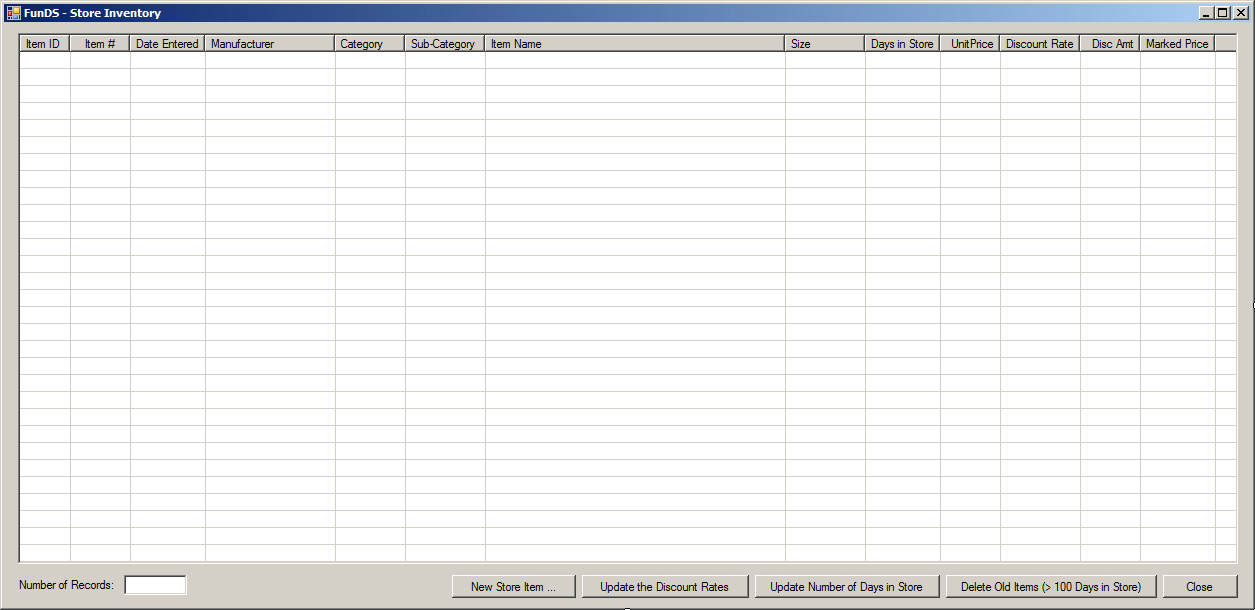
- Double-click the Delete Old Items (> 100 Days in Store) button and
implement the event as follows:
private void btnDeleteOldItems_Click(object sender, EventArgs e)
{
using (SqlConnection cntFunDS = new SqlConnection("Data Source=(local);" +
"Database='FunDS25';Integrated Security=True;"))
{
// Every item that has been in the store for more than 100 days, it will be added (copied) to the Unsold Items table.
SqlCommand cmdStoreItems = new SqlCommand("INSERT INTO Inventory.UnsoldItems(ItemNumber, DateEnteredInStore, DateRemovedFromStore, " +
" DaysInStore, Manufacturer, Category, " +
" SubCategory, ItemName, ItemSize, UnitPrice) " +
"SELECT ItemNumber, DateEntered, SYSDATETIME(), " +
" DaysInStore, Manufacturer, Category, SubCategory, ItemName, ItemSize, UnitPrice " +
"FROM Inventory.StoreItems " +
"WHERE Inventory.StoreItems.DaysInStore > 100;",
cntFunDS);
cntFunDS.Open();
cmdStoreItems.ExecuteNonQuery();
}
// The following code species the current date as the date the "old" items were removed from the store
using (SqlConnection cntFunDS = new SqlConnection("Data Source=(local);" +
"Database='FunDS25';Integrated Security=True;"))
{
SqlCommand cmdStoreItems = new SqlCommand("UPDATE Inventory.UnsoldItems " +
"SET DateRemovedFromStore = SYSDATETIME() " +
"WHERE DateRemovedFromStore IS NULL;",
cntFunDS);
cntFunDS.Open();
cmdStoreItems.ExecuteNonQuery();
}
using (SqlConnection cntFunDS = new SqlConnection("Data Source=(local);" +
"Database='FunDS25';Integrated Security=True;"))
{
// Every item that has been in the store for more than 100 days will be deleted.
SqlCommand cmdStoreItems = new SqlCommand("DELETE FROM Inventory.StoreItems " +
"WHERE DaysInStore > 100;",
cntFunDS);
cntFunDS.Open();
cmdStoreItems.ExecuteNonQuery();
}
ShowInventory();
}
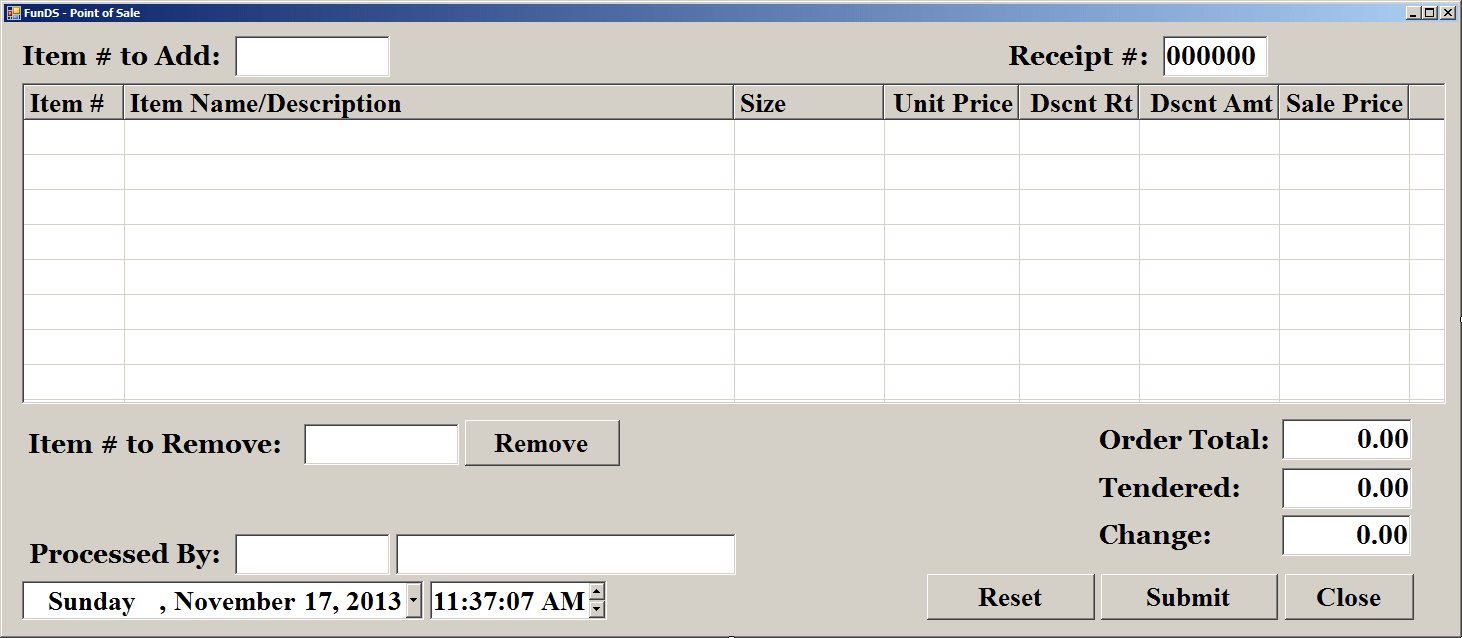
- Display the Point of Sale form and double-click the Submit button
- Implement the event as follows:
private void btnSubmit_Click(object sender, EventArgs e)
{
string strSaleItems = "";
string strShoppingSessions = "";
if (lvwSelectedItems.Items.Count == 0)
{
MessageBox.Show("There is no customer order to save.",
"FunDS", MessageBoxButtons.OK, MessageBoxIcon.Information);
return;
}
else if (string.IsNullOrEmpty(txtEmployeeNumber.Text))
{
MessageBox.Show("You must specify the employee (clerk) who processed the order.",
"FunDS", MessageBoxButtons.OK, MessageBoxIcon.Information);
txtEmployeeNumber.Focus();
return;
}
else
{
strShoppingSessions = "INSERT INTO Transactions.ShoppingSessions" +
"(ReceiptNumber, EmployeeNumber, ShoppingDate, ShoppingTime, SaleTotal)" +
"VALUES(" + txtReceiptNumber.Text + ", N'" + txtEmployeeNumber.Text + "', N'" +
dtpSaleDate.Value.ToShortDateString() + "', N'" +
dtpSaleTime.Value.ToShortTimeString() + "', " +
double.Parse(txtOrderTotal.Text) + ");";
strSaleItems = "INSERT INTO Inventory.SaleItems" +
"(ReceiptNumber, ItemNumber, ItemName, ItemSize, UnitPrice, DiscountRate, DiscountAmount, SalePrice) VALUES";
foreach (ListViewItem lviStoreItem in lvwSelectedItems.Items)
{
strSaleItems += "(" +
txtReceiptNumber.Text + ", N'" +
lviStoreItem.SubItems[0].Text + "', N'" +
lviStoreItem.SubItems[1].Text + "', N'" +
lviStoreItem.SubItems[2].Text + "', " +
lviStoreItem.SubItems[3].Text + ", " +
(double.Parse(lviStoreItem.SubItems[4].Text.Replace("%", "")) / 100).ToString("F") + ", " +
lviStoreItem.SubItems[5].Text + ", " +
lviStoreItem.SubItems[6].Text + ")";
}
strSaleItems = strSaleItems.Replace(")(", "),(") + ";";
// Create a shopping session (customer order) using the information on the form except the items in the list view.
using (SqlConnection scFunDS = new SqlConnection("Data Source=(local);" +
"Database='FunDS1';" +
"Integrated Security=Yes;"))
{
SqlCommand cmdShoppingSessions = new SqlCommand(strShoppingSessions, scFunDS);
scFunDS.Open();
cmdShoppingSessions.ExecuteNonQuery();
}
// Add the items of the list view in the SaleItems table
using (SqlConnection scFunDS = new SqlConnection("Data Source=(local);" +
"Database='FunDS1';" +
"Integrated Security=Yes;"))
{
SqlCommand cmdSaleItems = new SqlCommand(strSaleItems, scFunDS);
scFunDS.Open();
cmdSaleItems.ExecuteNonQuery();
}
// Copy each item of the list view to the SoldItems table
foreach (ListViewItem lviStoreItem in lvwSelectedItems.Items)
{
using (SqlConnection scFunDS = new SqlConnection("Data Source=(local);" +
"Database='FunDS1';" +
"Integrated Security=Yes;"))
{
SqlCommand cmdEmployees =
new SqlCommand("INSERT INTO Inventory.SoldItems(ReceiptNumber, ItemNumber, DateEnteredInStore, SaleDate, " +
" Manufacturer, Category, SubCategory, ItemName, ItemSize, " +
" DaysInStore, UnitPrice, DiscountRate, DiscountAmount, SalePrice) " +
"SELECT " + txtReceiptNumber.Text + ", ItemNumber, DateEntered, N'" + dtpSaleDate.Value.ToShortDateString() + "', " +
" Manufacturer, Category, SubCategory, ItemName, ItemSize, DaysInStore, UnitPrice, " +
" DiscountRate, DiscountAmount, MarkedPrice " +
"FROM Inventory.StoreItems " +
"WHERE ItemNumber = N'" + lviStoreItem.SubItems[0].Text + "';",
scFunDS);
scFunDS.Open();
cmdEmployees.ExecuteNonQuery();
}
}
// Remove the items of the list view from the StoreItems table
foreach (ListViewItem lviStoreItem in lvwSelectedItems.Items)
{
using (SqlConnection scFunDS = new SqlConnection("Data Source=(local);" +
"Database='FunDS1';" +
"Integrated Security=Yes;"))
{
SqlCommand cmdEmployees =
new SqlCommand("DELETE FROM Inventory.StoreItems " +
"WHERE ItemNumber = N'" + lviStoreItem.SubItems[0].Text + "';",
scFunDS);
scFunDS.Open();
cmdEmployees.ExecuteNonQuery();
}
}
MessageBox.Show("The customer's order has been saved.",
"FunDS", MessageBoxButtons.OK,
MessageBoxIcon.Information);
btnReset_Click(sender, e);
}
}
- Return to the Point of Sale form and double-click the Close button
- Implement the event as follows:
private void btnClose_Click(object sender, EventArgs e)
{
    Close();
}
- Execute the application and click the Show Inventory button.
Scroll down in the list view to see more items and how long they have
been in the store
- After seeing the existing records, click the Delete Old Items (> 100
Days in Store) button.
Scroll down in the list and notice that there
is no more item that has a Days in Store value over 100
- Close the Store Inventory form
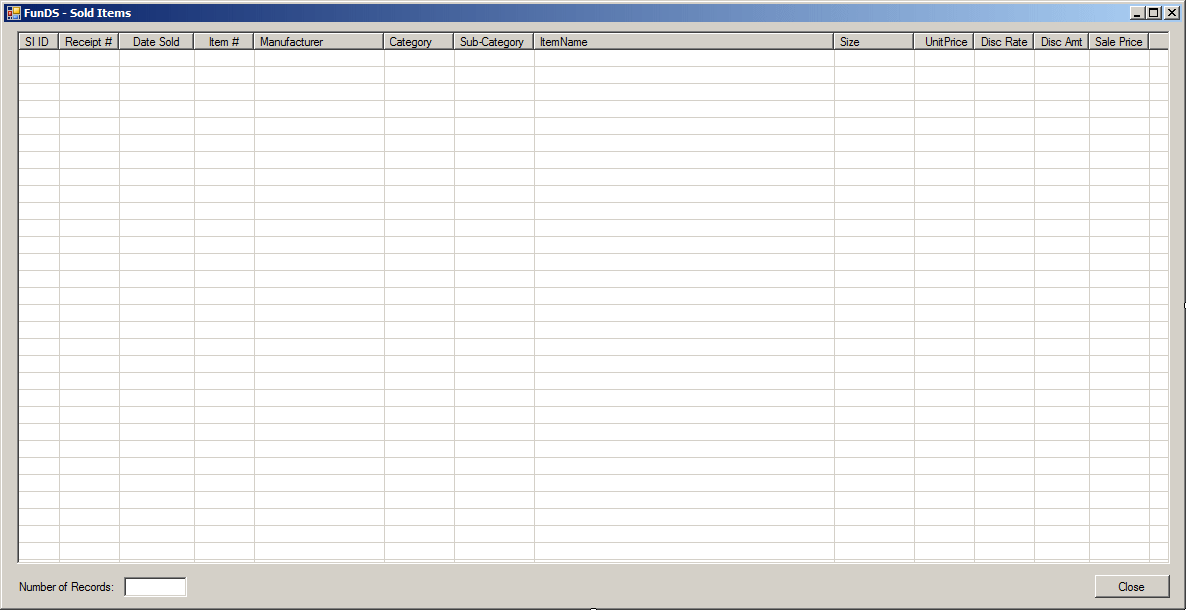
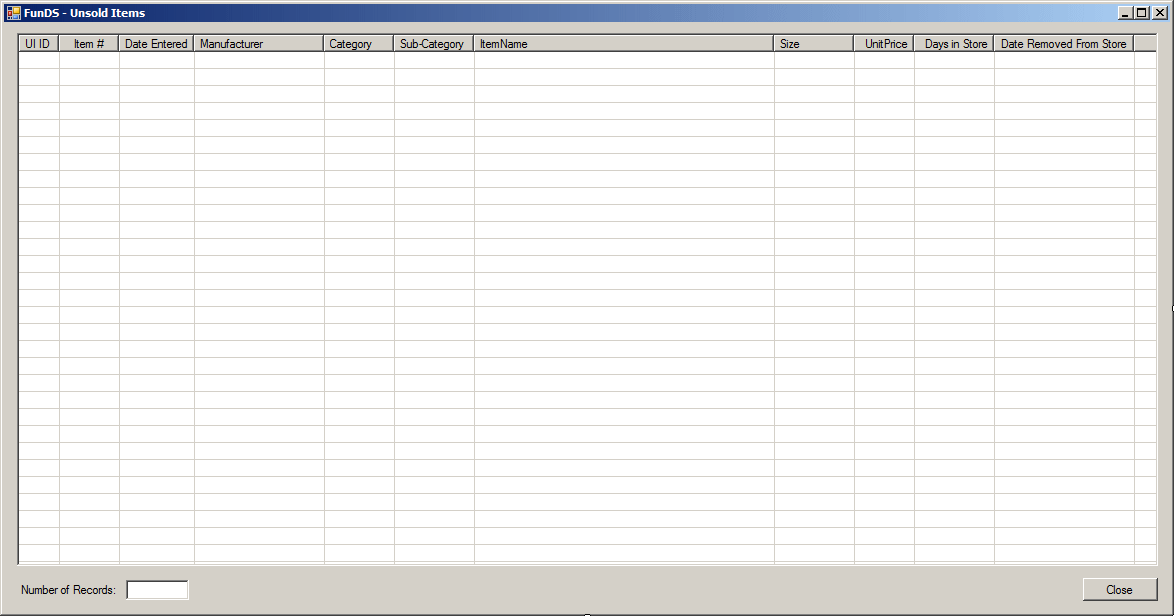
- Open the Unsold Items form to see the items that have been added (it
would be interesting to run the application again after one or two
months and perform the operations, or you can change the time on your
computer and perform the operations)
- Close the forms and return to your programming environment
|
Conditionally Removing the First n
Records
|
|
Consider the following table:
CREATE TABLE Employees
(
	EmployeeNumber int,
	FirstName nvarchar(20),
	LastName nvarchar(20),
	HourlySalary money
);
GO
INSERT INTO Employees
VALUES(283007, N'Megan',    N'Wright',    8.50),
      (480295, N'Horace',   N'Taylor',   20.25),
      (804805, N'Marc',     N'Knights',  10.85),
      (294117, N'Bryan',    N'Tenant',   30.25),
      (837479, N'Paul',     N'Motto',    18.02),
      (280304, N'Joyce',    N'Holliday', 11.66),
      (924802, N'Peter',    N'Mukoko',    8.68),
      (725381, N'Marianne', N'Brooks',   22.64);
GO
By default, the DELETE expression acts
on all records of a table. As an alternative, you can ask the database
engine to consider only the first n records of a table. The formula
to do this is:
DELETE TOP (Number) FROM TableName
WHERE Condition(s)
In the parentheses after TOP, enter the
desired number of records. When the statement executes, the WHERE
condition would be applied on only the first Number of records. Any
record that falls in that condition would be deleted. Here is an example:
DELETE TOP (4) FROM Employees
WHERE HourlySalary < 12.50;
GO
This code asks the database engine to delete any record
in the first four records of the Employees table if that hourly salary of
the employee in less than 12.50.
|
Conditionally Removing the First Percentage of
Records
|
|
If you don't want to specify a fixed number of records,
you can use a percentage instead. The formula to follow is:
DELETE TOP (Number) PERCENT FROM TableName
WHERE Condition(s)
In the parentheses, enter a number between 0.00 and
100.00 included. The number of records to consider is based on the total
number of the records using a percentage. Here is an example:
DELETE TOP (40) PERCENT FROM Employees
WHERE HourlySalary < 12.50;
GO
This code delete any record whose salary is less than
12.50 but the record must be among the first 40% of the records.
|
Outputting the Deleted
Results
|
|
When some record(s) has(have) been deleted, the
operation is performed behind the scenes and you don't see the result. If
you want to see a list of the records that were deleted, you can use the
OUTPUT operator to display the result. To show the list of
the records from a table that was completely emptied, you can use the
following formula:
DELETE FROM TableName
OUTPUT DELETED.Columns
The OUTPUT INSERTED expression follows the
description we have seen for the record update. Here is an example:
USE VideoCollection6;
GO

DELETE FROM Videos
OUTPUT deleted.*
GO
To show the list of the records that were deleted based
on a condition, use the following formula:
DELETE FROM TableName
OUTPUT DELETED.Columns
WHERE Condition(s)
Here is an example:
USE VideoCollection6;
GO

DELETE FROM Videos
OUTPUT deleted.*
WHERE YearReleased IS NULL;
GO
Instead of one, you can delete more than one record at a
time. To programmatically delete a group or records, apply the
DELETE FROM table formula and use a WHERE
condition that can identify each one of the records.
|
|